Azərbaycanca
 По-русски
 English

 About us
Over 500 manats - only by QR code: new rules for terminal payments in Azerbaijan
Be the first to know
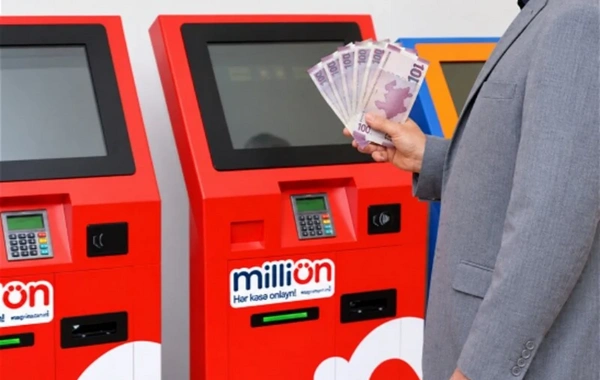
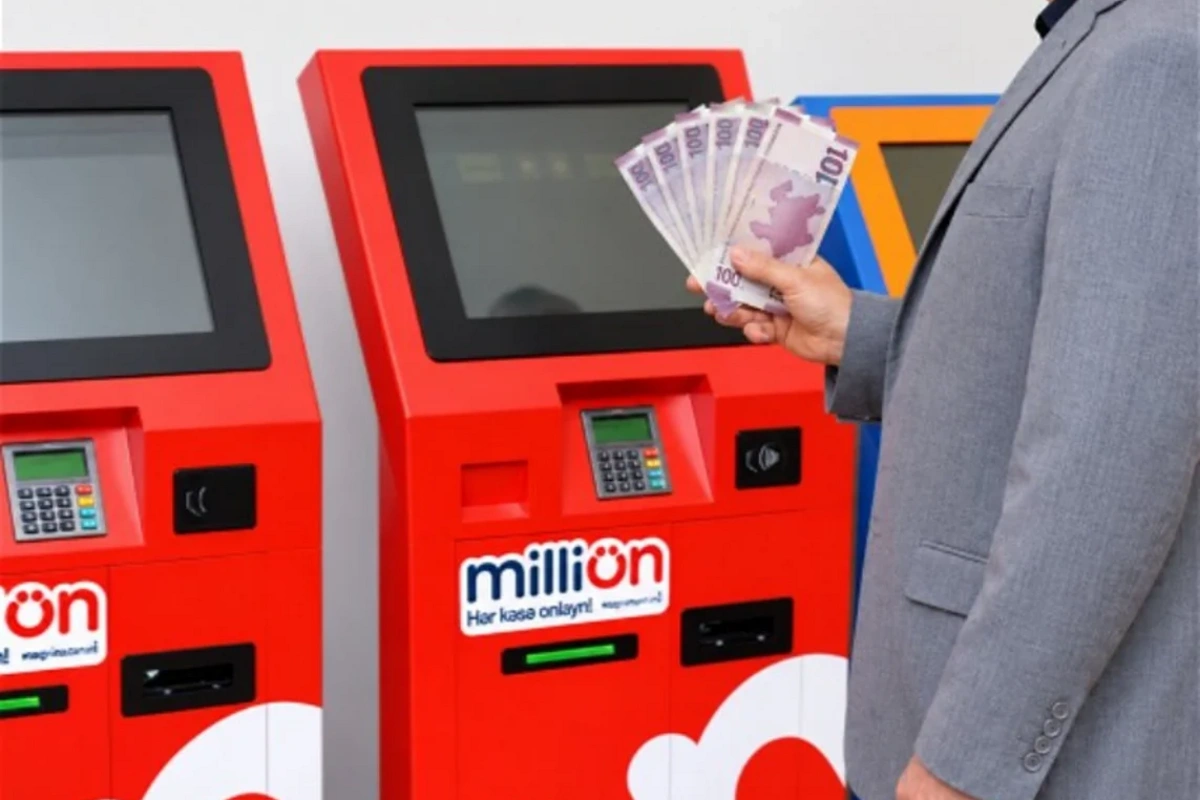
Starting from mid-November, it will no longer be possible to simply send more than 500 manats in cash through MilliÖN and Expresspay terminals. The new rule applies to both bill payments and money transfers. Before accepting banknotes, the machine will display a QR code on the screen and ask you to verify your identity via smartphone.
As the newspaper "Kaspi" writes, payment terminals have long become a familiar part of our everyday transactions. Through them, people pay utility bills, repay loans, top up bank cards, and transfer money. The ability to send cash without visiting a bank branch saves time, especially when a payment needs to be made in the evening or on a weekend.
However, the usual procedure is now changing. Under the new rules, if a payment does not exceed the established threshold, citizens can use the terminal as before. But for larger transactions, one must first pass a digital verification — and only then feed banknotes into the machine.
Better to prepare in advance
To avoid delays at the machine, it is better to prepare for the payment in advance. In the MilliÖN network, identity can be verified through three platforms — the Bir ID service, available in the Birbank app, SİMA, or myGov. In Expresspay terminals, only the SİMA İmza app is used for verification.
Those who regularly send more than 500 manats through street terminals should check in advance whether at least one of the required services is installed on their smartphone and whether registration in it has been completed. Moreover, simply downloading the app is not enough, since at the terminal you will need active access to your personal account and a stable mobile internet connection.
To create a profile, you need to have a valid identity document and an active mobile phone at hand. For example, in the SİMA İmza app, an account can be opened entirely online using the FIN code, identity document series, and facial video verification — meaning you can do without visiting a service center.
How the payment process works
The additional verification begins immediately after selecting the service and entering the amount. If you need to send, for example, 800 manats for a loan repayment, you find the relevant section as usual, enter the details and the payment amount. Since the amount exceeds the limit, the machine will temporarily pause the acceptance of banknotes and prompt you to undergo verification.
After tapping the icon of the required service, a QR code will appear on the screen. It should be scanned using the built-in scanner within the app itself,


Similar News

Azerbaijani oil has become cheaper
Azerbaijani Azeri Light (CIF) crude oil has fallen in price on world markets. As Oxu.Az reports, the price of one barrel of Azerbaijani Azeri Light crude oil on...